
I am running a Synology DS-3018xs NAS with DSM 7.3.1. The VMs are run on Virtual Machine Manager. Home Assistant make a VM preloaded with HAOS. It can be found on the Home Assistant page here.

Be sure to download the VM with .ova file type.
In your Virtual Machine Manager, under the create tab, choose Import

Then Select the method, in this case leave OVA selected.

Choose browse to upload a file from your PC or on a shared folder on the NAS.

Select your file and continue

Wait for the system to upload.

Choose the storage pool to install the Virtual Machine

The specs should be automatically filled for the VM. If not, hop on to Home Assistant’s website and get the recommended specs here.

The storage size should automatically populate to 32GB. I did not use the virtIO controller.

Select the network the VM will use.

On the Other Settings page, be sure to change firmware from Legacy to UEFI. Home Assistant expressly requires UEFI to boot in their instructions. I also selected Autostart:Yes so the VM will start after the NAS comes back online after a power outage. If you need to use a USB Zigbee or Z-Wave dongle, enable the Virtual USB controller to passthrough USB to the VM.

Select which user has Power Management Permissions

Finally, the summary page. I selected the Power on VM to get the machine started right away.

Once the VM has started, choose connect in the Virtual Machine Manager window and a new browser tab you should see the HAOS Command Line

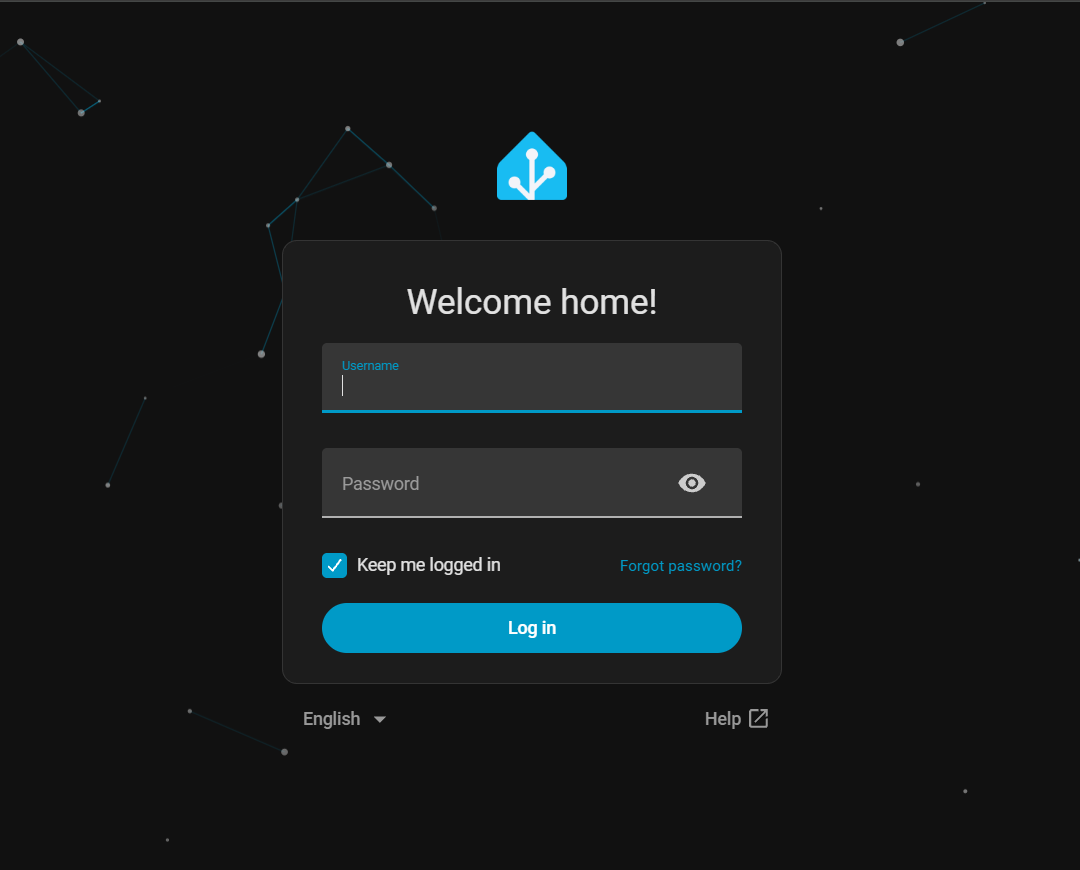
Type the HAOS ip address or domain name into a browser to get the GUI.

Now you have a Home Assistant VM running on your Synology NAS.
Leave a Reply